
Higher education technology
Paperday - AI writing workspace around the university paper
Paperday brings planning, drafting, and revision into one document workspace for university students. Lyzant built the product so AI supports the paper in context, while the student keeps control of sources, citations, and the final submission.
- Organization
- Paperday
- Technology
- Next.js, React, Better Auth, TipTap, Vercel Analytics, Vercel AI Gateway
- Live website
- Visit website
- Industry
- Higher education technology
Platform highlights
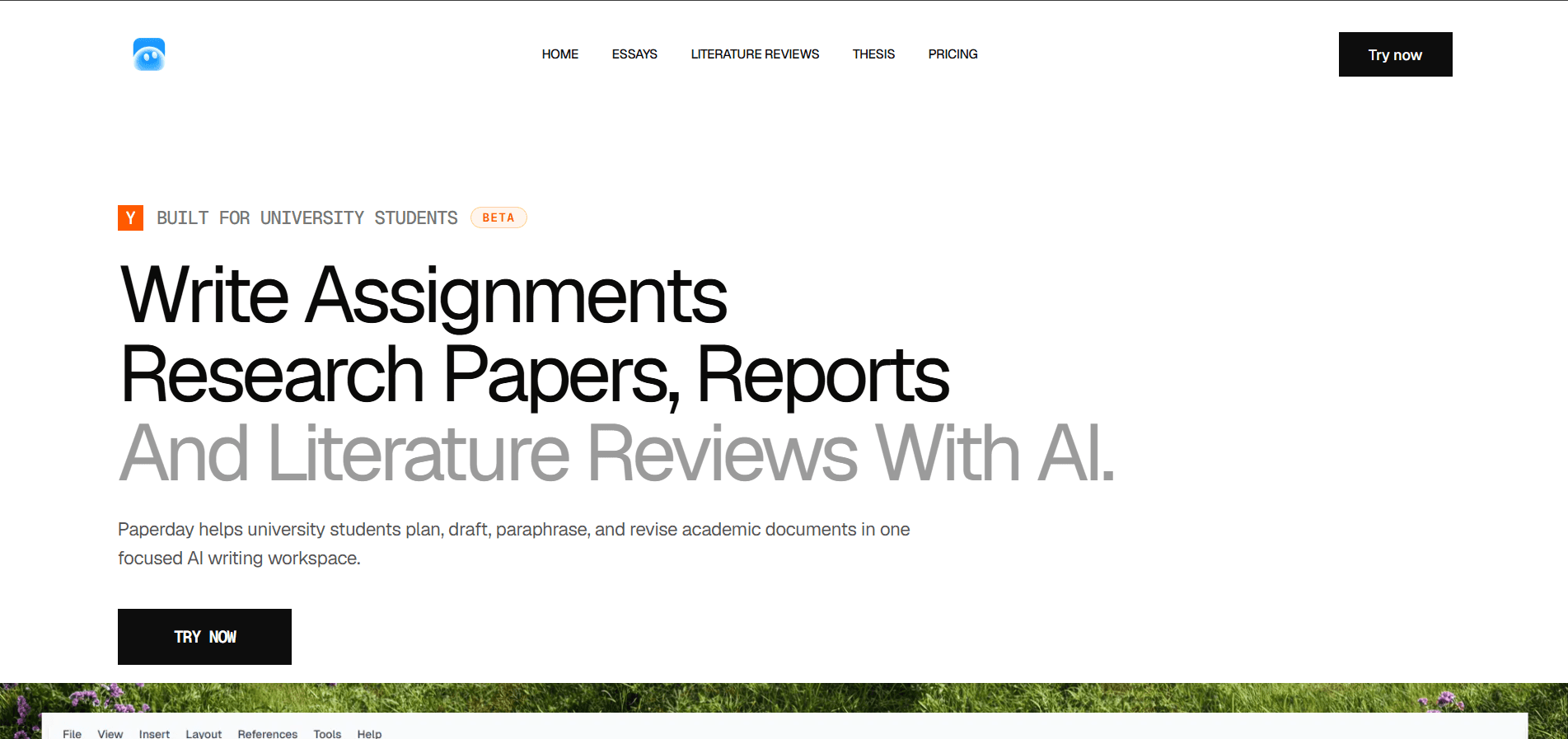
Paperday is a beta AI writing workspace for university students working on essays, research papers, reports, literature reviews, and thesis projects. A student can begin with an assignment brief, a topic, or rough notes, then develop a thesis direction and section plan before drafting inside the same document.
The workspace keeps revision close to the writing. Students can work on clarity, academic tone, paragraph flow, and argument strength without moving the draft into a separate chat. The finishing flow includes citation checks, document export, and a final review against the original prompt.
Paperday also sets a clear boundary around the role of AI. It helps students plan, explain, rewrite, and review, but it does not replace reading the sources or checking the claims in a paper. The student remains responsible for the argument, citations, and submitted work.
The challenge
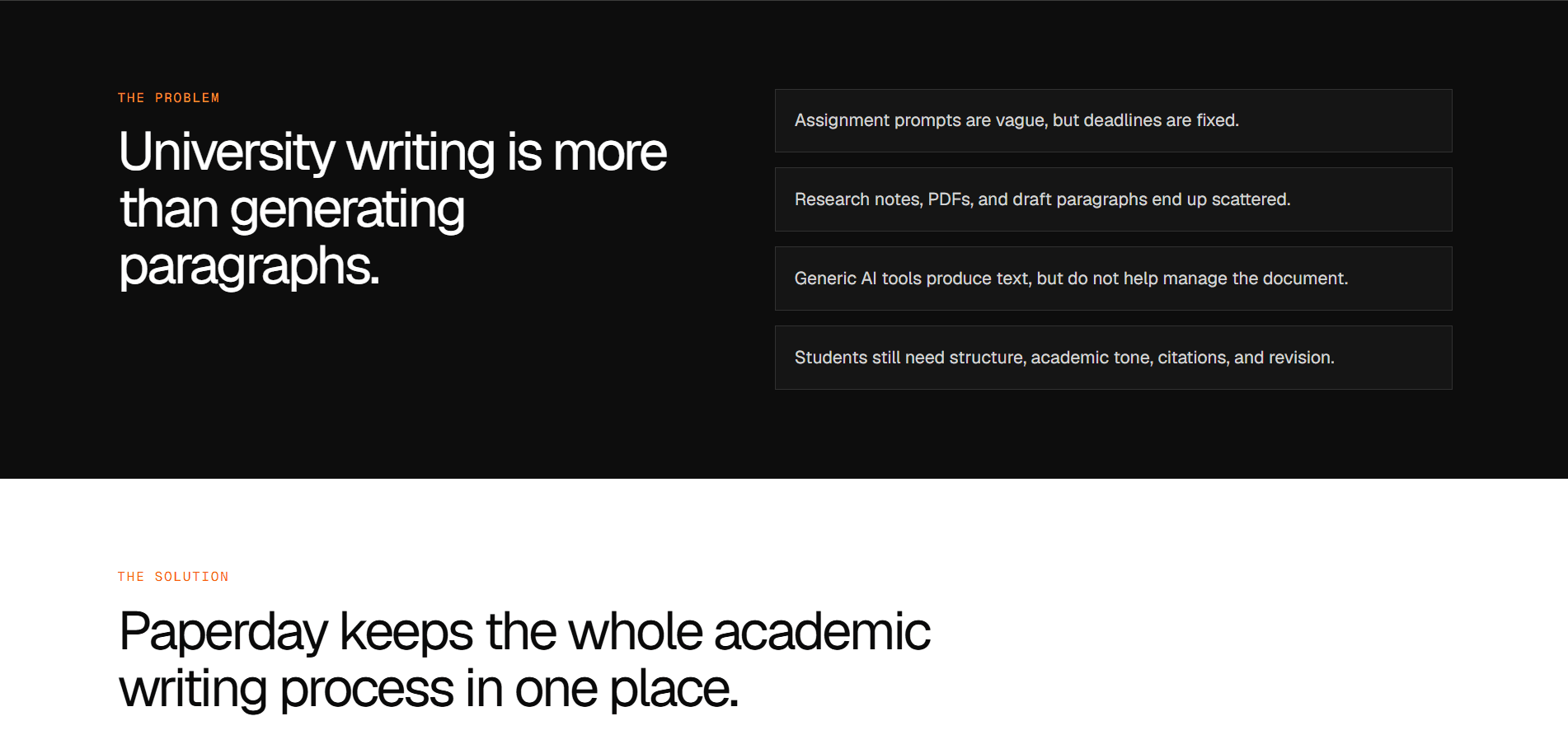
University assignments rarely start with a clean brief and a complete set of notes. A student may be working from a broad question, lecture material, source summaries, PDFs, and an early draft at the same time. Deadlines remain fixed even when the thinking is still taking shape.
General AI chat tools can produce a paragraph quickly, but a long academic document needs more than isolated answers. The thesis, evidence, section order, terminology, and tone all change as the paper develops. When planning happens in one tool and writing in another, students spend time moving text around and rebuilding context.
Academic writing also carries responsibilities that ordinary content generation does not. A fluent sentence can still misstate a source. A neat outline can still miss the assignment question. Paperday needed to help with the work of writing while repeatedly returning control to the student.
The process
We mapped the product around the stages students already move through: understand the assignment, choose a thesis direction, plan the sections, draft the argument, revise the language, check the citations, and prepare the final document. That sequence gave the product a clearer shape than a blank chat screen.
We also looked at where academic documents differ. An essay develops a position through connected paragraphs. A literature review groups sources by themes, methods, agreements, and gaps. A report needs a clear structure and direct answers to a brief. Thesis work is longer and benefits from an outline that can develop over time.
These differences informed the public entry points and the writing workflow inside Paperday. The product can speak to a specific task while keeping the underlying experience consistent. Students learn one workspace and use it for several kinds of university writing.
A document workspace instead of a disconnected chat
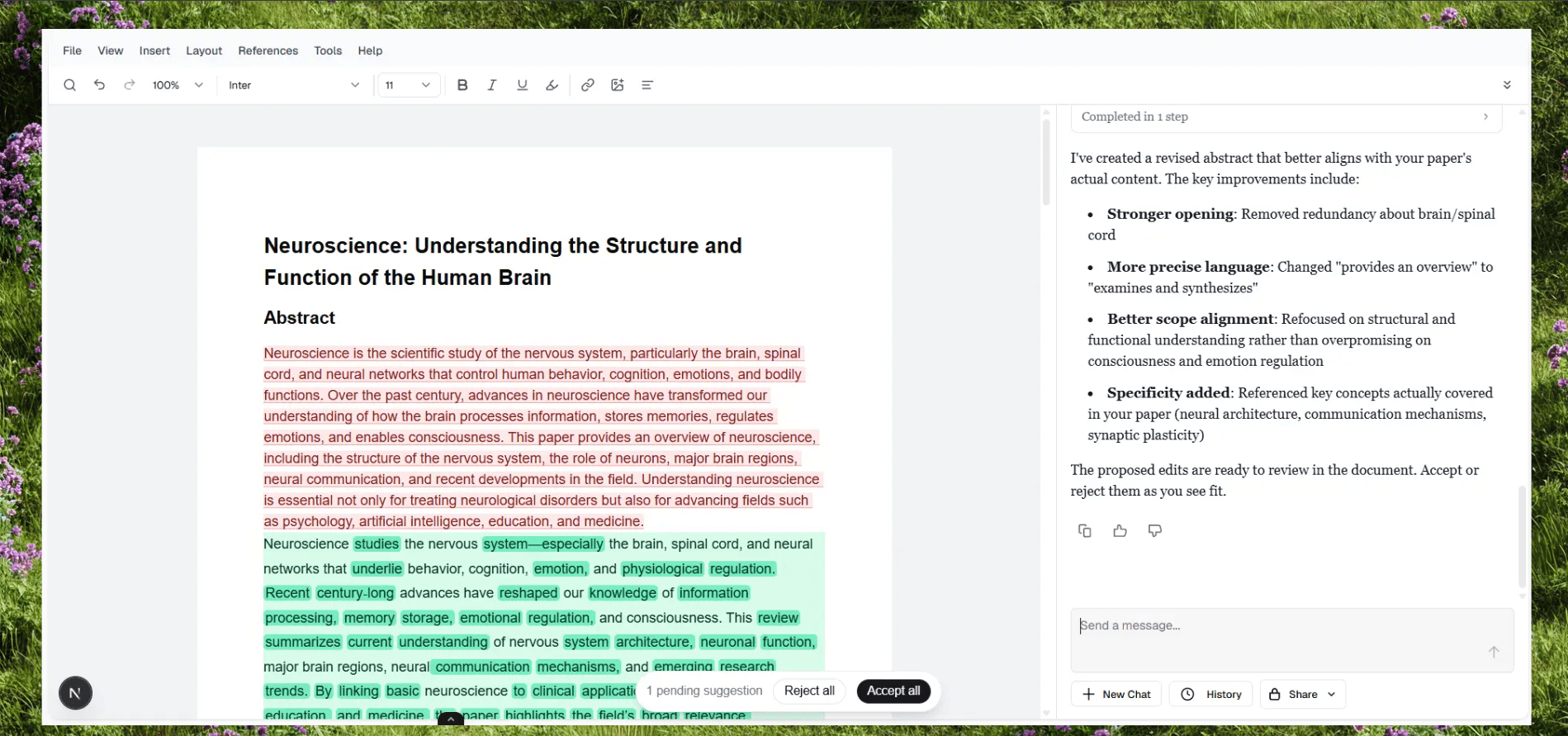
The editor is the center of Paperday. TipTap provides the structured document layer, giving students a place to write and revise the paper itself while AI support stays close to the text. The draft remains visible, so each request can be considered in the context of the document rather than as a separate conversation.
This changes the role of generation. An outline is useful because it becomes the working structure of the paper. A rewritten paragraph is useful because the student can compare it with the surrounding argument. Feedback on tone or flow is easier to judge when the relevant section is still on screen.
The same approach supports a practical four-stage flow. Students plan from the brief, draft one section at a time, improve unclear language or weak transitions, then finish by checking citations and organizing the document for submission. Each stage builds on the work already in the editor.
Supporting essays, literature reviews, reports, and thesis work
Paperday has dedicated paths for common university tasks rather than presenting every student with the same generic prompt box. Essay support covers outlines, introductions, body paragraphs, conclusions, and revision against the question. Literature review support focuses on organizing readings into themes, identifying gaps or tensions, and turning notes into a connected discussion.
The broader workspace also supports research papers, reports, assignments, and early thesis planning. Students can begin with the material they have, whether that is a prompt, rough notes, abstracts, or source summaries, and develop the document in manageable sections.
Keeping these tasks in one product matters because students often move between them during the same course or degree. The interface does not have to be relearned for every assignment, while the guidance can still reflect the kind of document being written.
The application foundation
Next.js and React provide the application structure for Paperday, covering the public product pages, account entry, and the writing workspace. TipTap handles the editor layer, where the document needs to remain structured and editable as it moves through planning, drafting, and revision.
Better Auth manages account access. The current sign-in flow supports email and Google, giving students a direct route into the editor without making authentication part of the writing experience.
The AI layer uses Vercel AI Gateway to connect model access with the product. Keeping that integration separate from the editor and account logic gives the application a clear boundary between the document, the user session, and AI requests. Vercel Analytics provides measurement across the beta product while the team learns how students move through the experience.
Designing for responsible academic use
Paperday's product language treats AI as writing support, not as a substitute for reading or judgment. Students are encouraged to verify claims, understand the papers they cite, and review the final answer against the assignment brief.
That position affects the workflow. Planning begins with the student's prompt or notes. Revision tools focus on clarity, structure, tone, and argument flow. Literature review guidance starts from abstracts, notes, or source summaries instead of implying that the model has done the reading on the student's behalf.
Paperday can organize material and improve a draft. The student decides what the paper argues, which sources support it, and whether those sources are represented accurately.
The outcome
Paperday is now live in beta as a focused workspace for university writing. A student can move from an unclear assignment brief to a thesis direction and outline, draft the paper section by section, revise it in context, check citations, and prepare the document for submission without splitting the work across several tools.
Pricing is still being finalized during beta. The pricing page lists free and Plus plan details, student usage limits, and early beta upgrade options as coming next. For now, students can try the editor without taking a paid action.